My Example Site
A simple demo website for AEOHelper
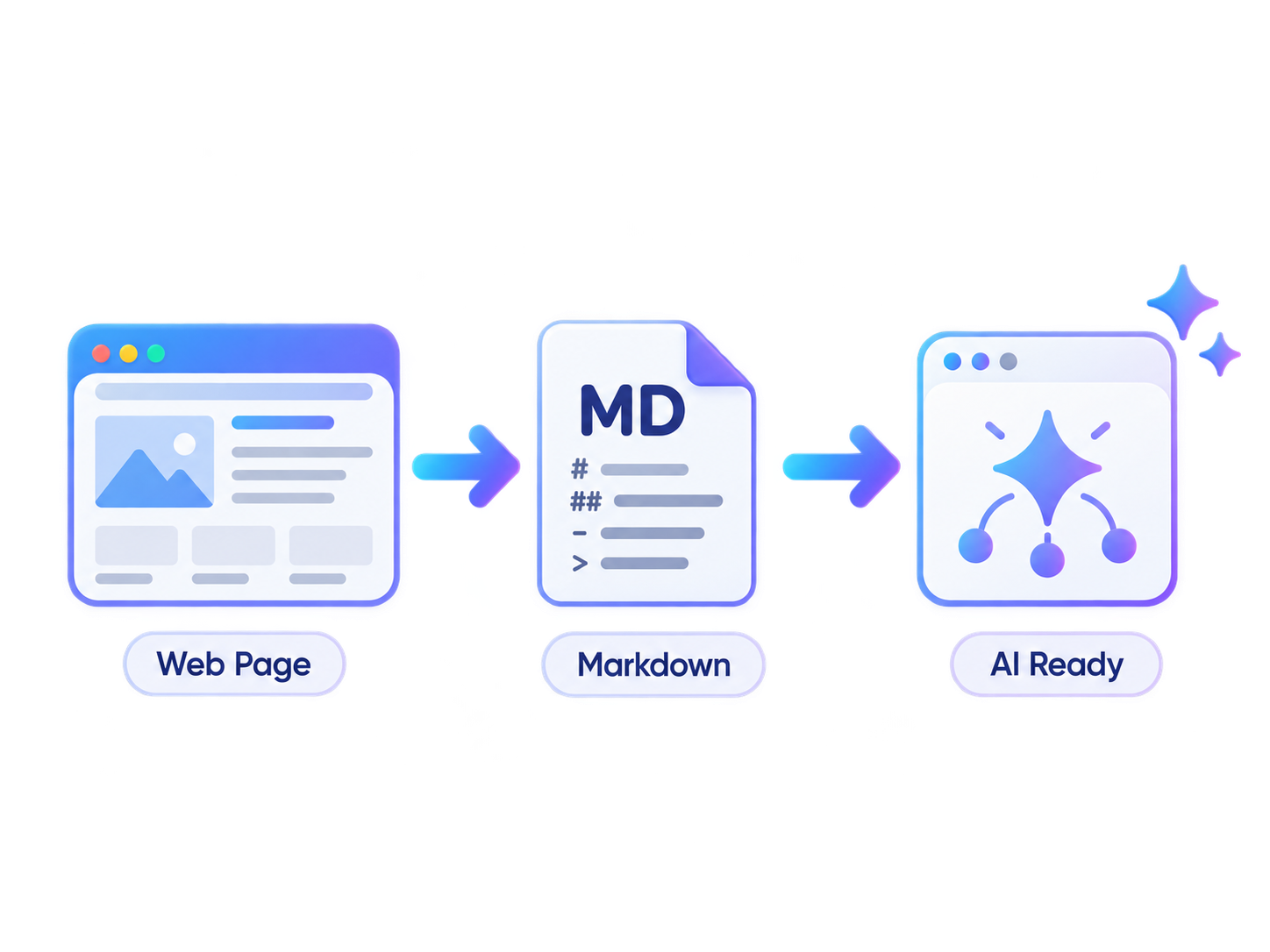
This demo site shows how AEOHelper creates clean Markdown versions of WordPress content, adds discovery links in the page head, and optionally includes approved pages in llms.txt.
Example content
What this demo site includes
This page uses a mixture of normal WordPress content and structured sections so you can see how AEOHelper turns a real web page into clean, reviewable Markdown.
Clear content
Headings, paragraphs, links and lists written normally in WordPress can be converted into simple, structured Markdown.
Structured sections
Tables, FAQs and feature blocks give AEOHelper more varied content to extract, review and publish.
AI-friendly context
Extra context or exclusions can be added where visual or illustrative content might otherwise be misunderstood.
How AEOHelper helps
Your original page stays exactly where it is.
AEOHelper creates an additional reviewed Markdown version of the page. The normal HTML remains unchanged, while compatible systems can discover the Markdown version separately.
How it works
From WordPress page to clean Markdown
AEOHelper keeps your normal website untouched while creating a separate, reviewed Markdown version for compatible crawlers and AI systems.
Choose your content
Select the public WordPress Pages and Posts you want to make available as Markdown.
Review the result
Generate a preview and check the extracted headings, paragraphs, links, lists and other useful content before publishing.
Publish and discover
Publish the approved Markdown at a clean endpoint and expose its location from the original page.
Ready to see the result?
Turn this page into clean, reviewed Markdown.
AEOHelper lets you preview, review and publish a Markdown version of selected WordPress content while keeping the original page unchanged.